
Every finance team knows the month-end ritual: chasing receipts, querying blurry photos, explaining to an auditor why a claim has no matching transaction.
Expense management automation promised to end that ritual. For most UK teams it only moved the problem, because automating receipt capture is not the same as verifying the spend happened.
This guide compares the two approaches on the table in 2026: receipt-first OCR capture and bank-verified expense matching.
Key takeaways
- Most expense management automation tools automate the receipt, not the truth. OCR reads the image; it cannot confirm the payment occurred.
- Bank-verified matching checks each claim against real bank transaction data, closing the gap where duplicate, inflated or cancelled claims slip through.
- Real-time bank feeds enable policy-breach flagging at the moment of spend, GL-code auto-categorisation, and faster corporate card reconciliation.
- The two approaches are complementary: receipt capture proves what was bought; bank data proves what was paid.
What is expense management automation?
Expense management automation is software that captures, codes, checks and reconciles employee spend without manual data entry.
The automation layer determines what actually gets checked
Most platforms automate four steps-
- Capture (photograph a receipt)
- Coding (assign GL codes and VAT treatment)
- Policy checks (limits and categories)
- Reconciliation (match spend to the accounts)
In practice, API banking means your expense tool reads spend directly from the account rather than from images alone. The critical question for buyers is what evidence each step runs on: the receipt image, or the underlying bank transaction data.
Why is receipt-only OCR capture no longer enough?
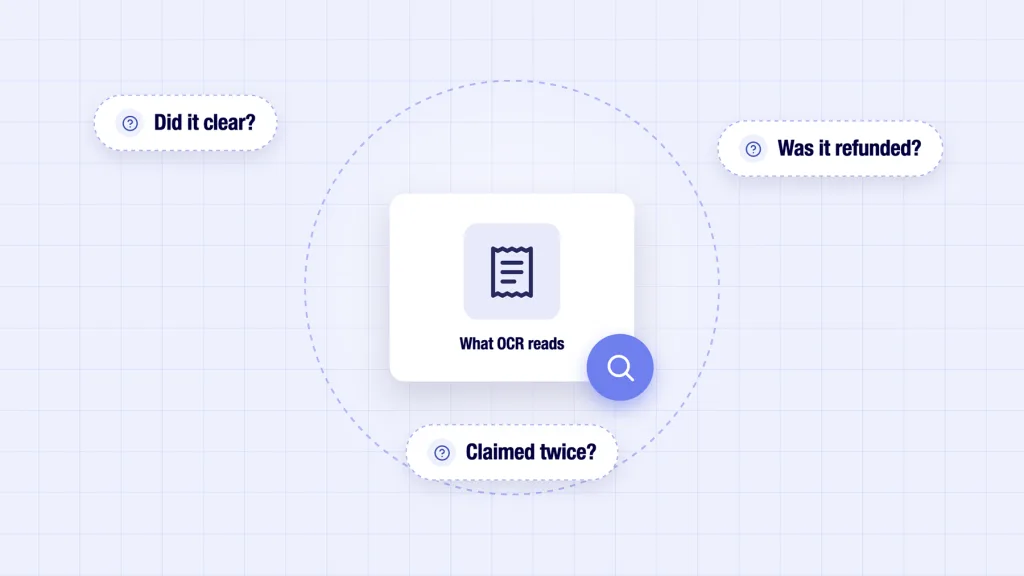
Receipt-first tools such as Dext, Pleo and Webexpenses have made expense automation genuinely fast at the capture step, and OCR accuracy is high on clean receipts. The weakness sits elsewhere.
OCR trusts the document, not the payment
An OCR engine extracts merchant, date, and amount from an image. It cannot see whether that payment cleared, was refunded, or was claimed twice from two angles of the same receipt. Expense fraud and honest error both live in that blind spot.
Manual gaps return at reconciliation
When capture and bank statements live in separate systems, someone still reconciles them at month-end. That is expense automation in name only; the matching work simply moves downstream to the finance team.
How does bank-verified expense matching work?
Bank-verified matching adds a second evidence source: a regulated, read-only feed of bank transaction data delivered through open banking and api integration. Providers act as an open banking gateway between banks and your product, with no need to touch each bank’s core banking API directly. The rails are mature: as of January 2026, UK open banking counts 17.5 million live user connections and 145 regulated firms (OBL).
Each claim is confirmed against a real transaction
A simple open bank API example: a £42.50 claim is matched to the corresponding card transaction on amount, merchant and date. No match, no auto-approval. Duplicates and cancelled payments surface immediately instead of at audit.
Enriched data powers coding and policy checks
Raw bank feeds arrive messy, which is why raw transaction data needs structure first. Once enriched, the same feed drives GL-code auto-categorisation (merchant-level category mapping) and real-time policy-breach flagging, so out-of-policy spend is caught when it happens, not at claim time.
Corporate card reconciliation becomes continuous
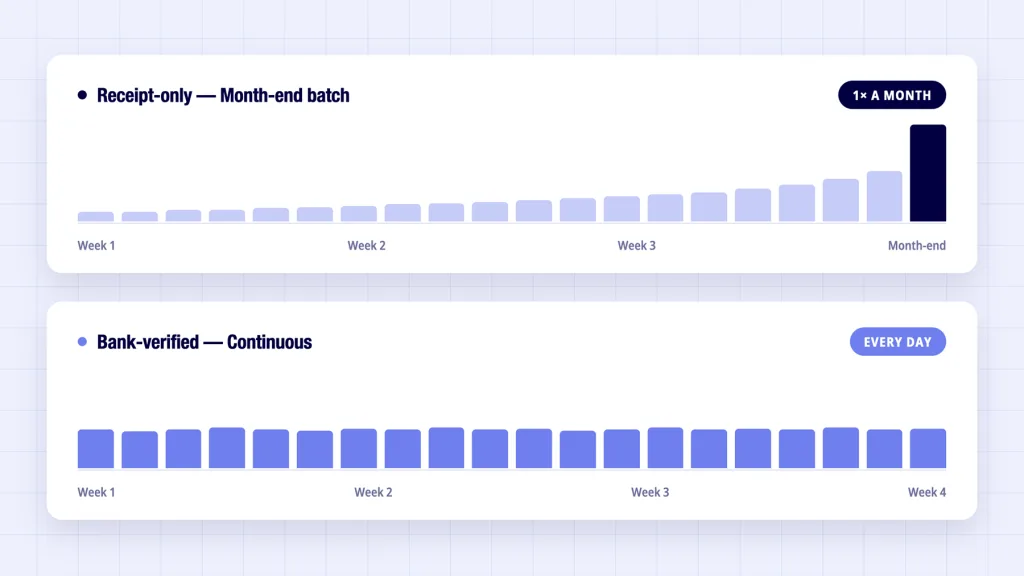
With a live feed, corporate card reconciliation runs daily rather than as a month-end batch: transactions arrive pre-matched to claims and pre-coded, and only exceptions need human review.
How do the two approaches compare?
Here is how the two expense management automation approaches compare at a glance.
| Capability | Receipt-only OCR | Bank-verified matching |
|---|---|---|
| Capture speed | Fast | Fast (receipt still captured) |
| Confirms payment happened | ✖ | ✔ |
| Duplicate/cancelled claim detection | Limited | ✔ |
| Policy-breach flagging | At claim submission | Real time, at spend |
| GL-code auto-categorisation | From receipt text | From enriched bank transaction data |
| Corporate card reconciliation | Month-end batch | Continuous |
| Audit evidence | Image only | Image + bank record |
What should UK finance teams look for when comparing tools?
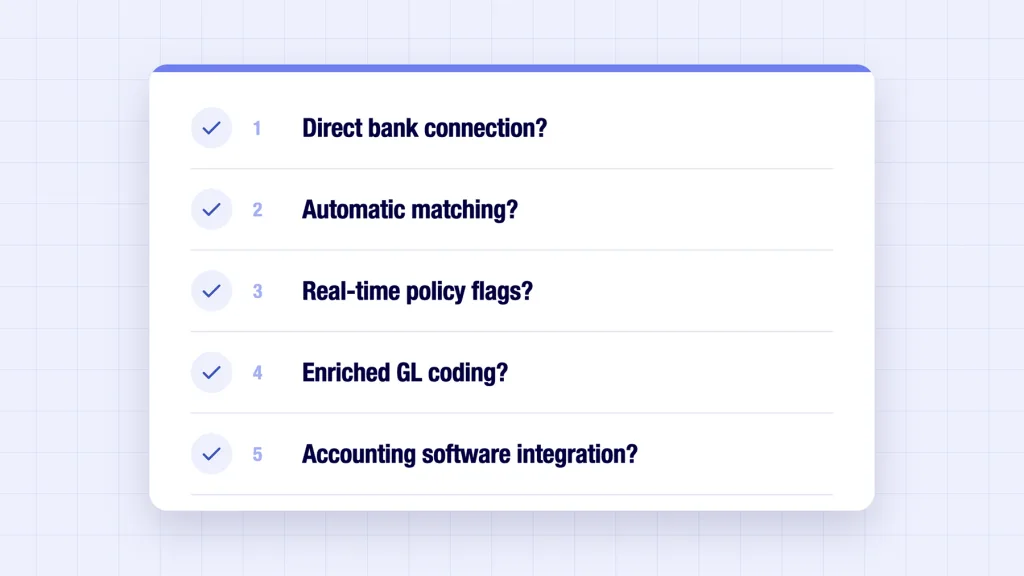
If you are shortlisting the best expense management software UK vendors offer this year, the questions below separate genuine expense automation from repackaged capture.
- Does the tool connect to our banks directly through open banking, and to how many UK banks?
- Is matching automatic, and what happens to unmatched claims?
- Are policy breaches flagged at spend or at submission?
- Are GL codes assigned from enriched transaction data or from receipt text?
- Does it integrate with accounting software we already run?
Vendors offering the full loop typically build on a fintech open banking data layer rather than building bank connectivity themselves. An open source banking API can help a team prototype, but production coverage and FCA authorisation call for a regulated provider.
Where does Finexer fit in expense management automation?
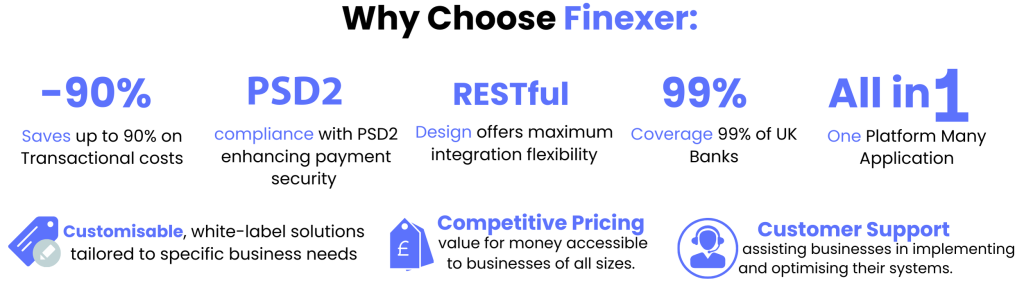
A point of honesty first: Finexer is not an expense management platform. It provides the bank-data verification layer that expense platforms build on.
- Finexer’s Data API delivers regulated, read-only bank transaction data with categorisation and balance enrichment included.
- Coverage spans almost all UK banks, with consent tooling, webhooks and white-label screens out of the box.
- FCA-authorised (FRN 925695), transparent pricing, and 3 to 5 week onboarding support for product teams adding verification to an existing expense automation workflow.
In practice, that means an expense platform, accounting tool or ERP can add bank-verified matching without becoming a regulated data firm itself. Expense management automation is one piece of a wider picture; see our guide to broader accounting automation for how the same bank data serves bookkeeping, payroll and invoicing.
The bottom line
Receipt capture solved data entry; it never solved verification. Expense automation that checks claims against real bank transaction data is the difference between faster admin and trustworthy numbers. Shortlist on that distinction, and if you are building the tooling, start with the data layer.
What is expense management automation in open banking uk terms?
At its core, expense automation removes manual work from employee spend: receipt capture, GL coding, policy checks and reconciliation. Mature expense management automation verifies claims against bank transaction data as well as reading the receipt, so approval decisions rest on evidence of payment, not just an image.
What is the best expense management software for UK teams?
Fit depends on your stack. Receipt-first tools (Dext, Pleo, Webexpenses) excel at capture and cards. The best expense management software uk finance teams choose in 2026 increasingly adds bank-verified matching, natively or through a data provider. Use the five shortlist questions above.
Does expense management automation integrate with accounting software?
Yes, integration is standard. Most tools push coded expenses into Xero, QuickBooks, Sage or NetSuite. The difference worth checking is what gets pushed: claims coded from receipt text, or claims already matched to bank transaction data and coded from enriched feeds. The second option means your accounting software receives reconciled entries, and expense automation stops creating clean-up work downstream.
Is bank-verified matching worth it for smaller teams?
Usually, yes. Duplicate and error rates do not scale down with headcount, and continuous corporate card reconciliation saves the most time in teams without a dedicated finance function. Adding a verified feed to your expense automation is now a configuration choice rather than a project.
See how Finexer’s verified bank data fits into your matching workflow. Sandbox access is free
Explore with AI
About the Author

Ravi Ranjan
Ravi Ranjan is Co founder & CEO of Finexer