See what’s behind your client’s budget.
Compare the UK’s leading budgeting apps for advisers, all running on live Open Banking data.
Why do financial advisers need budgeting apps?
Budgeting apps fix a problem plenty of clients share: they struggle to keep track of their spending. They’ve got several bank accounts, they forget about subscriptions, and they budget from rough guesses in their heads.
That makes your job harder: clear advice is tough when the numbers don’t add up.
This is where budgeting apps prove their value. In 2026, several solid options help clients track their money and share that data with you.
Most connect to bank accounts through Open Banking, using read-only account access (our explainer on AISP vs PISP covers the difference), so spending shows up without anyone typing it in.
Below you’ll find the best budgeting apps 2026 has to offer for client–adviser work, six of them. We judged each on how easy it is to use, how well it sorts spending and how much it helps with fact-based advice.
If you’re comparing budgeting apps UK clients will actually keep using, this list should make the choice easier.
TL;DR
- Budgeting apps fall into two camps. Bank-connected apps such as Moneyhub and earmarkIQ read bank accounts; spend tools like Pleo, Spendesk and Soldo control company cards.
- For fact-finds, consent-based sharing matters most. You get real spending figures, not a once-a-year guess.
- Data quality sets the ceiling. Budgeting apps UK clients use are only as accurate as the bank feed underneath.
Why trust this list?
Finexer supplies Open Banking data to UK budgeting apps, earmarkIQ among them. We see which apps clients stick with, and we’d rather tell you that up front.
Budgeting apps UK advisers compare most
| App | Built for | How it gets spending data | How advisers see it |
|---|---|---|---|
| Moneyhub | Advisory firms, banks, accountants | Open Banking feeds | Partner portal and shared dashboards |
| Pleo | Business expense control | Company cards | Exportable reports |
| Cube | Finance teams in Excel | Accounting systems, CSV, API | Shared planning models |
| Spendesk | Spend management | Company cards | Analytics and exports |
| Soldo | Prepaid card spend control | Prepaid cards | Reports and exports |
| earmarkIQ | Individuals and advice firms | Open Banking, read-only | Client-consented sharing, scope by scope |
Not all of the best budgeting apps 2026 offers are built with advisers in mind
Not all of the best budgeting apps 2026 offers are built with advisers in mind. Before you compare budgeting apps UK clients already use, look for these five things.
It connects to all their bank accounts
Your client almost certainly has more than one account. Good budgeting apps pull them all into one place, so you can see what’s coming in, what’s going out and where the gaps are.
It sorts spending automatically
Clients shouldn’t have to log every payment. The best budgeting apps sort transactions into categories like bills, food and transport, so you can spot overspending without wading through messy data.
It gives you a clear summary
Look for weekly or monthly overviews: where the money goes, how spending has shifted and what’s left once the essentials are paid.
It’s easy for the client to share with you
Some apps export a summary. Others give you view-only access. Looking at the same numbers on a review call makes your advice sharper.
It’s not overcomplicated
If an app takes hours to set up, most clients give up. The budgeting apps clients keep using need little setup, a fact that keeps data accurate into month six.
Which budgeting apps suit which practice?
| If your practice mainly | Start with |
|---|---|
| Reviews household spending for fact-finds | earmarkIQ or Moneyhub |
| Builds Open Finance data into its own client platform | Moneyhub |
| Oversees business clients’ card spending | Pleo, Spendesk or Soldo |
| Builds detailed forecasts in Excel | Cube |
Card-based budgeting apps see what goes on company cards, but not rent, Direct Debits or salary. Bank-connected apps see everything in the accounts the client links.
Here’s how the best budgeting apps 2026 offers compare, one by one
Top 6 budgeting apps in 2026 explained.
1. Moneyhub
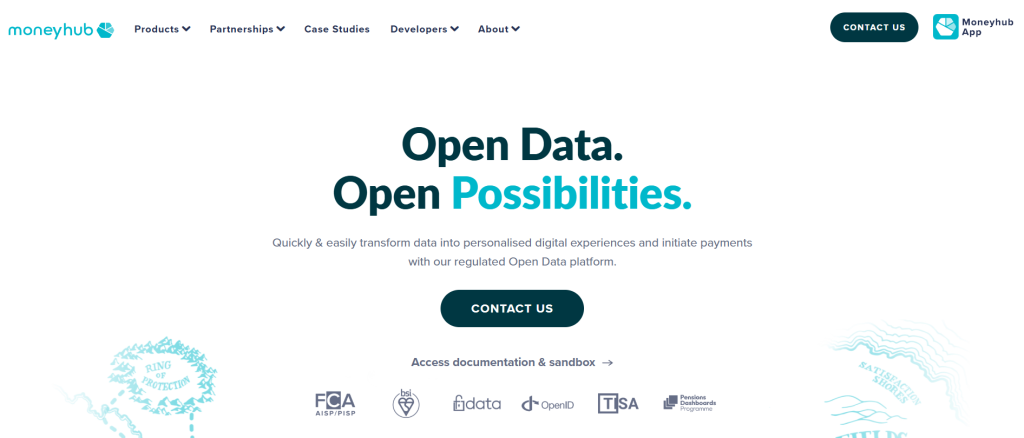
Moneyhub Enterprise is an Open Finance platform for banks, wealth managers and pension providers. Firms build its Open Banking data, embedded client journeys and tools such as Smart Fact Find into their own services, giving advisers a fuller picture of each client’s finances.
Best for
- Banks, wealth managers and pension providers building Open Finance into their own services
- Advice firms wanting fact-find tools inside their own client experience
Key features
- Open Banking data from a client’s connected accounts
- Embedded client journeys and portals under the firm’s own experience
- Smart Fact Find for adviser-led fact-finds
- Dashboards for internal teams
Pros: built for firms rather than individual users; FCA-registered for account information and payment initiation; connects to adviser tools.
Cons: delivered as embedded infrastructure rather than an off-the-shelf app, so it suits larger firms with integration resource.
Integrations: Open Banking data; adviser tools including Intelliflo and Voyant; developer API.
Pricing: quote-based; contact Moneyhub for details.
Best use case: firms that want Open Finance data and fact-find tools built into their own client experience.
2. Pleo

Pleo is a business expense and budgeting app that hands out smart company cards and grabs receipts automatically. You see client spending in real time.
Best for
- Small- and mid-sized firms that need tight expense control
- Finance teams handing out company cards
Key features
- Employee cards with real-time controls
- Receipt capture with automatic data extraction
- Spending limits and approval rules
- Integrations with Xero, QuickBooks, Sage and NetSuite
- Exportable reports for client review
Pros: expense management and budgeting in one app; a real-time view of card spend; teams get freedom while finance keeps oversight.
Cons: built around card spending, so cash and Direct Debit budgets get less support; costs climb with active users.
Pricing: tiered monthly plans, each including three users, with paid extra users; check Pleo’s site for current UK rates.
Best use case: keeping employee expenses on budget without anyone filling in expense reports.
3. Cube
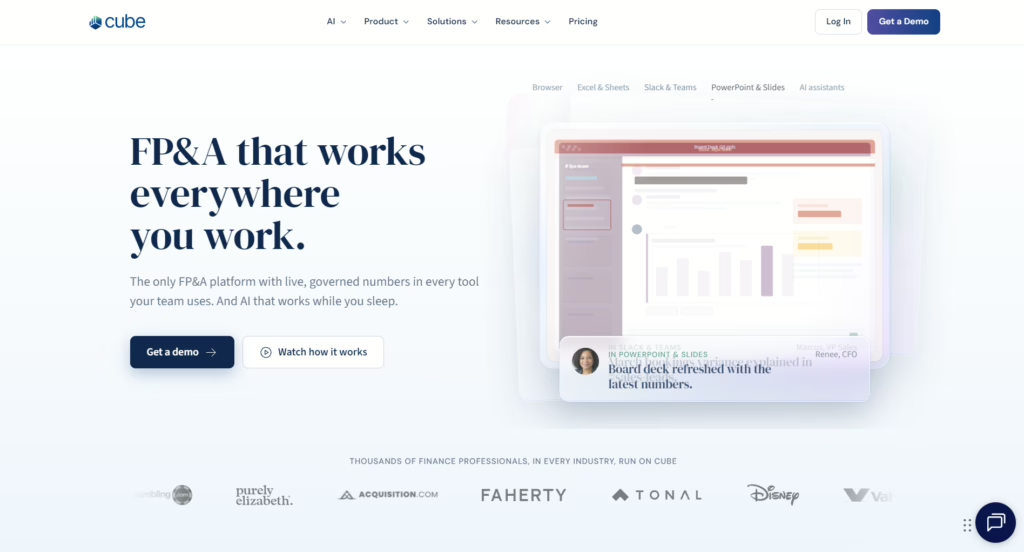
Cube is a planning platform for finance teams who still love Excel but want more control. It adds a live layer on top of your spreadsheets, so budgets, forecasts and reports update as new data comes in.
Best for
- Finance managers at growing SMEs
- Advisers building detailed client budgets and forecasts
Key features
Two-way sync with Excel and Google Sheets
Planning models fed by live actuals from your accounting system
Pros: people pick it up fast because they stay in their spreadsheets; no more stitching workbooks together by hand.
Cons: built for finance teams rather than individual advisers; leans heavily on spreadsheets.
Integrations: Xero, QuickBooks Online, NetSuite, Sage Intacct and Microsoft Dynamics 365 Business Central, plus custom connections.
Pricing: quote-based; see Cube’s pricing page or book a demo.
Best use case: complex budgets built in Excel, backed by a proper planning system.
4. Spendesk
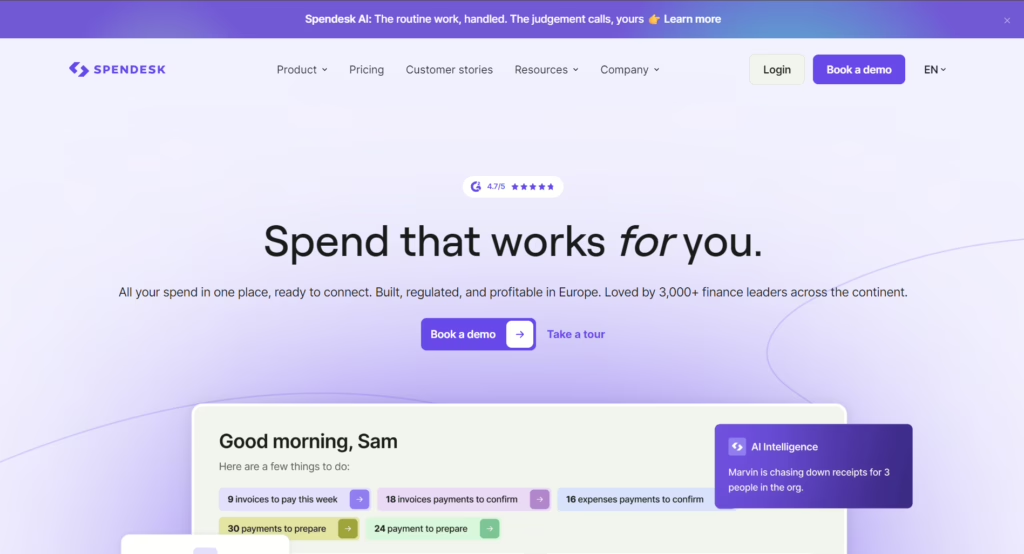
Spendesk is a spend management platform for finance teams and advisers who need to approve spending as it happens and hold budgets across clients or departments.
Best for
- Growing businesses that need card, expense and invoice spend in one place
- Accounting firms offering expense oversight
Key features
- Virtual and physical cards with preset budgets
- Approval workflows
- Automatic receipt capture and matching
- Budget controls with real-time tracking of spend
Pros: budget tracking shows used, committed and available spend; approvals stop unplanned spending; easy mobile and web apps.
Cons: focused on card-based expenses; can feel pricey for very small teams.
Integrations: Xero, NetSuite and Microsoft Dynamics 365 Business Central, plus QuickBooks in the US.
Pricing: quote-based, depending on company size, features and number of users; contact Spendesk directly.
Best use case: keeping card, expense and invoice spend within budget, with tight approval controls.
5. Soldo
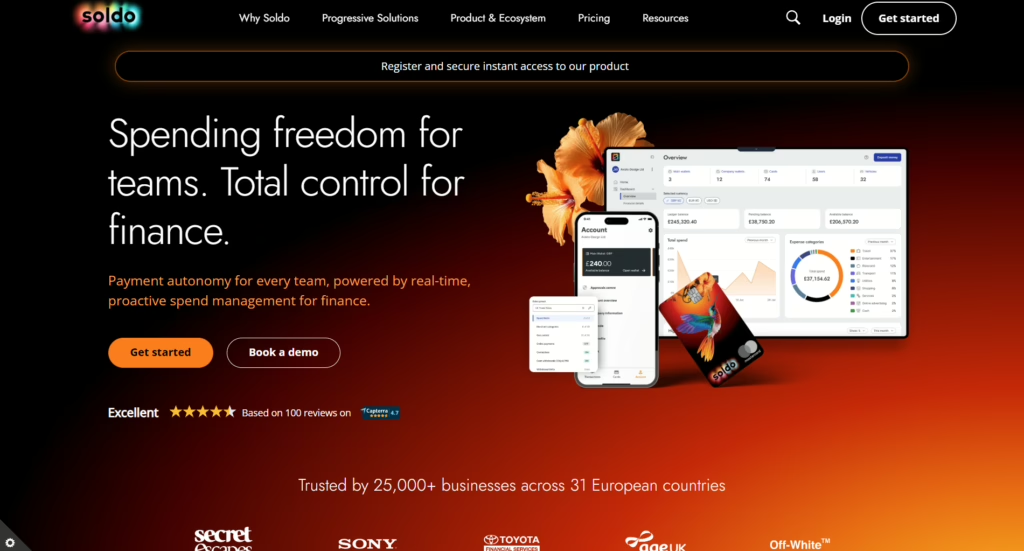
Soldo is a spend management app that gives employees and teams prepaid cards, so you keep real-time control over company budgets.
Best for
Accounting firms watching over client expense budgets
- Finance teams that hand out company cards
Key features
- Prepaid cards with individual and team budgets
- Receipt capture in the mobile app
- Custom approval workflows and spending rules
- Real-time transaction tracking
Pros: strong controls stop overspending before it happens; a real-time view of card transactions; easy reporting for client review.
Cons: not great for tracking cash or Direct Debits; costs rise with each added user.
Integrations: Xero, QuickBooks Online Advanced, Sage Accounting and NetSuite.
Pricing: published monthly plans priced per user, each with a card, plus an unlimited plan on request; check Soldo’s site for current rates.
Best use case: setting and holding expense budgets across clients or departments.
6. earmarkIQ
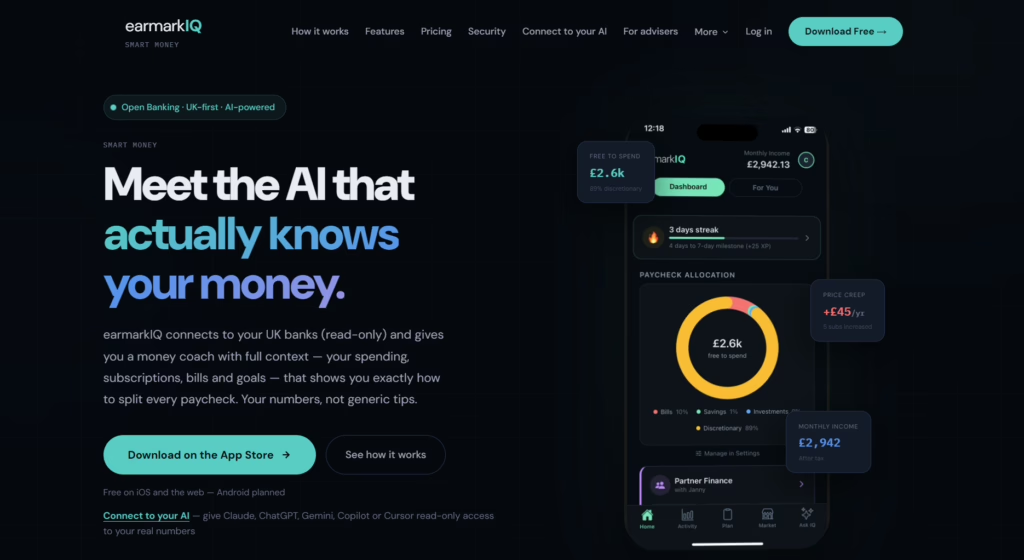
earmarkIQ is a UK personal finance app built on Open Banking, now live on iPhone and the web. It connects a client’s current accounts, savings and credit cards read-only, then works out what’s safe to spend before payday.
It flags the bills and subscriptions due before then and catches the ones that have quietly gone up in price. earmarkIQ’s own net worth view also brings in property and pensions; those figures come from earmarkIQ’s app, not from the banking data Finexer supplies. Its Ask IQ assistant answers plain-English questions about the user’s own money.
For advice firms, earmarkIQ lets a client share categorised spending and cashflow with their adviser on their own terms, one consent scope at a time. Fact-finds and annual reviews then run on a live picture of spending instead of a once-a-year estimate.
According to earmarkIQ, its first adviser firm is piloting the service, an integration inside Voyant’s cashflow planning software is in build, and it has come to an agreement on its first employee benefits partnership.
Most budgeting apps show what a client spent; earmarkIQ says what to do about it: what’s safe to spend, which subscription just went up and what’s due before payday.
Best for
- Advice firms wanting a live, consent-based view of client spending for fact-finds and reviews
- Clients who want payday-aware budgeting with nothing to type in
- Firms interested in AI assistants: earmarkIQ offers a read-only connector for Claude and ChatGPT
Key features
- A safe-to-spend figure before payday, from live account data
- Bill and subscription tracking, with price-rise alerts
- Net worth on one screen
- Ask IQ for plain-English questions about the user’s money
- Five separate consent scopes for adviser sharing, each one revocable, with every access logged
Pros: read-only by design, so it can see money but never move it; nothing to type, so it stays accurate well past the first few months; granular consent suits fact-finds.
Cons: newer to market than the other tools here; the Android app is still in build.
Integrations: runs on Finexer’s account information service for current accounts, savings and credit cards; iPhone and web, with Android in build; and a read-only connector for Claude and ChatGPT, used only with the client’s permission.
Pricing: consumer plans by monthly or annual subscription; contact earmarkIQ for adviser pricing.
Best use case: an advice firm that wants live, client-consented spending data for reviews, or a client who’d like the budgeting done for them.
Summary: of the best budgeting apps 2026 offers, earmarkIQ suits household fact-finds, Moneyhub suits firms building Open Finance into their own platforms; Pleo, Spendesk and Soldo suit business clients’ card spend; and Cube suits Excel-led forecasting.
How to choose the right budgeting app
These seven checks will narrow the best budgeting apps 2026 offers down to one or two.
Strong security and privacy
Client financial data is sensitive. Look for strong encryption, multi-factor authentication and compliance with UK data protection rules. Ask whether budgeting apps are read-only, too: apps that can’t move money are easier to recommend.
Easy account connections
The best budgeting apps UK clients rely on link to several banks and credit cards without a fuss. Reliable connections mean less typing.
Automatic transaction sorting
Pick budgeting apps that label spending automatically, because miscategorised transactions throw off every budget built on top of them. Our guide to automated transaction categorisation shows how to test accuracy before you commit.
Clear, shared reporting
Choose tools that let clients export summaries or invite you into their dashboard. Shared reports keep everyone looking at the same numbers.
Support for multiple accounts and goals
The right app shows current accounts, savings and credit cards together, with separate budgets or targets.
Adviser-friendly features
Some budgeting apps come with adviser portals, white-label options or consent-based sharing. These make it easier to handle lots of clients.
Pricing that fits your practice
Budgeting apps charge per user, per connected account or a flat fee. Go for one whose cost grows predictably as your client list does.
How does Finexer help budgeting apps
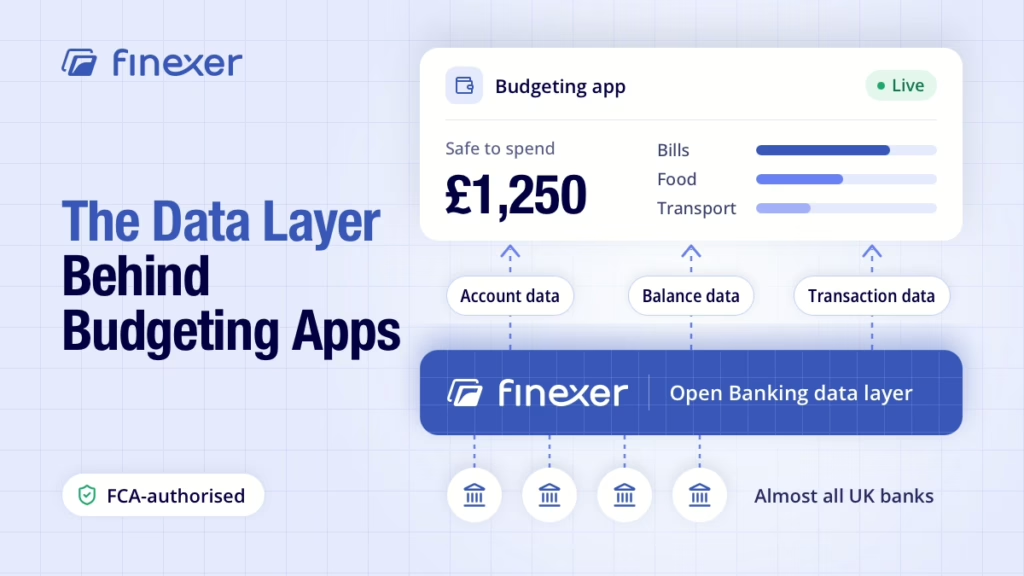
Budgeting apps fall down when their banking data is late, patchy or hard to read. Finexer fixes the layer underneath, so apps, advisers and clients can focus on planning, not on reconciliation of payments or chasing statements.
Finexer is FCA-authorised Open Banking infrastructure that budgeting apps build on. Once a client consents at their own bank, Finexer’s account information service sends account data, balance data and transaction data to the app.
- Almost all UK banks covered, across high street, challenger and business accounts
- Real-time webhooks when transactions arrive or consent changes
- Multi-account access, so current accounts, savings and credit cards sit in one feed
- Up to 7 years of transaction history, depending on the bank
- Transaction Enrichment API: 95%+ categorisation accuracy, sub-100ms response and 100M+ merchants
- Agent model, so smaller apps can offer account information under Finexer’s authorisation (FRN 925695)
- White-label consent journey, with 3 to 5 weeks of hands-on onboarding support
For you, that means your clients’ budgeting apps show the same transactions as a statement, without the wait.
Clients reconfirm their consent with the provider at least every 90 days, without reconnecting at their bank, and they can revoke it whenever they like.
With Finexer’s Data API, budgeting apps get their banking data in the same format from bank to bank.
Advice firms looking at this for clients can read our guide to Open Banking for accountants, and developers can start with our explainer on the API in Open Banking.
Can a budgeting app move my client’s money?
Budgeting apps are digital tools that track income and expenses, categorise transactions automatically, and help users create and stick to budgets.
How can budgeting apps enhance advisory services?
By providing real‑time spending data and shared dashboards, budgeting apps let advisors give targeted advice based on accurate client financials.
Do budgeting apps support multiple bank accounts?
Yes. Leading budgeting apps aggregate current accounts, savings, credit cards, and loans in one view for a complete financial picture.
Can advisors access client data in budgeting tools?
Many budgeting tools for advisors offer secure, view‑only or co‑editing access, enabling collaborative planning and review sessions.
How much do budgeting apps cost for advisory use?
Pricing varies by app and plan, typically £6–£20 per user per month, with higher‑tier or enterprise plans available for larger practices.
Stop budgeting apps running on stale data.
Finexer’s Data API feeds them real-time banking data from almost all major UK banks, so every client review starts from accurate numbers.
Explore with AI
About the Author

Ravi Ranjan
Ravi Ranjan is Co founder & CEO of Finexer