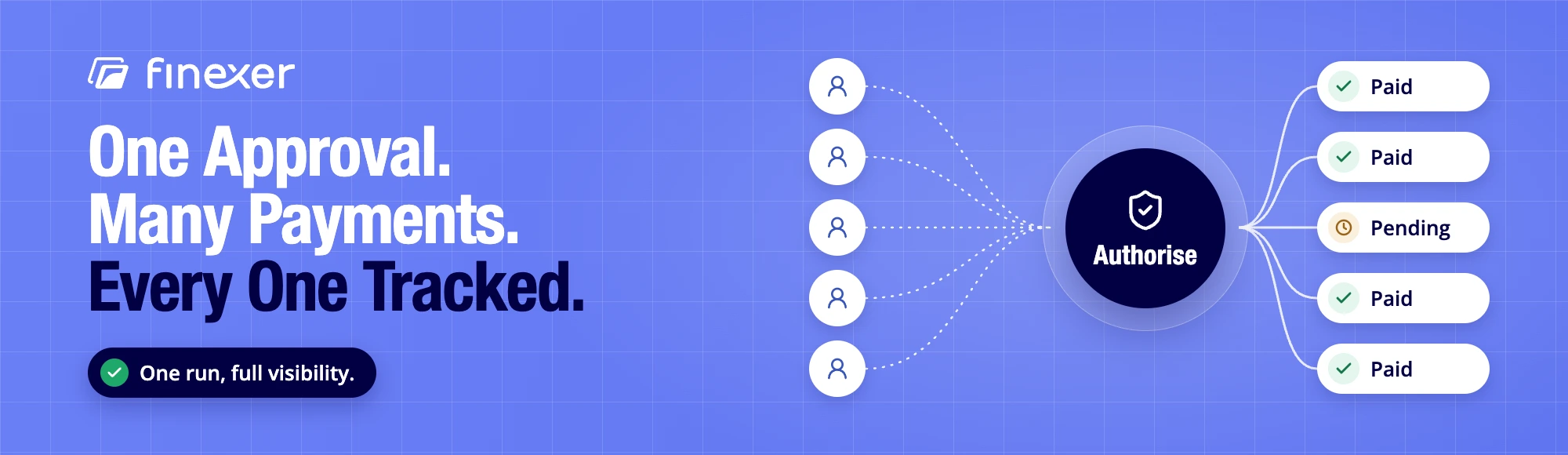
How does a bulk payment run work? A business prepares a recipient list once, authorises the whole run, and each payment executes and reports its own status back. That’s the mechanism behind business bulk payments, whether you’re paying twelve suppliers or two hundred staff. This guide is written for the finance or ops lead actually running that payment, not the platform team building the tool behind it.
Key Takeaways
- Business bulk payments let a business pay many recipients in one authorised run, rather than initiating each payment individually.
- The three main routes are BACS batch, Faster Payments bulk, and Open Banking initiated runs, each with different speed and failure handling.
- Bulk salary payments carry more risk than a supplier run, since a failed payday payment affects trust immediately, not just cash flow.
- A well-designed run isolates individual payment failures instead of blocking the whole batch, and returns per-payment status so nothing hides.
- Finexer’s Payments product supports multi-recipient runs with per-payment webhook status, built for the operator running the payment, not just the platform behind it.
What Are Business Bulk Payments?
Business bulk payments are multiple payments to different recipients, prepared and authorised together instead of one at a time. A single approval covers the whole payment batch. Each line in that batch still has its own amount, account details and reference, so one payment succeeding or failing doesn’t have to affect the others.
For the platform-builder side of this, evaluating providers and comparing infrastructure, our separate guide to bulk payments covers that ground. This page stays on the operator’s side: what it’s actually like to run the payment.
How Does a Bulk Payment Run Actually Work?
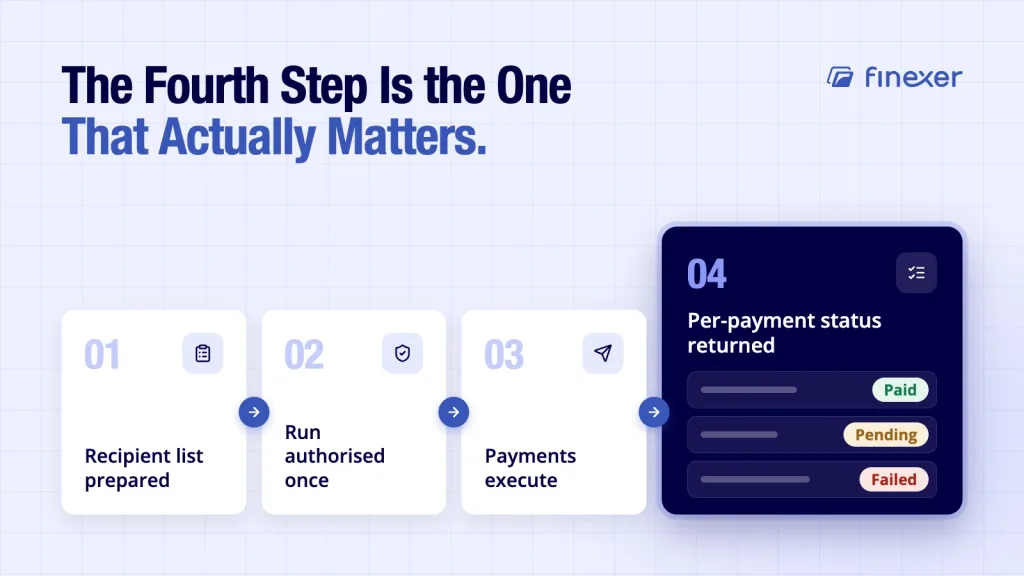
How does a bulk payment run work, step by step, for real business payments rather than a demo? A typical run moves through four steps, and where it breaks usually traces back to one of them:
- Recipient list prepared. Names, amounts, account details and references compiled into one payment file.
- Run authorised once. A single approval releases the entire payment batch, not each line separately.
- Payments execute. Each recipient is paid according to the route chosen, whether that’s BACS, Faster Payments, or an Open Banking-initiated run.
- Per-payment status returned. Every payment reports back individually: paid, pending, or failed, so a problem with one line doesn’t stay hidden inside a successful-looking batch.
The detail that separates a well-built run from a fragile one is step four. Read more about how a batch payment works mechanically if you want the underlying process explained in full.
BACS or Faster Payments for Bulk Payments? Comparing the Routes
BACS or Faster Payments for bulk payments, and where does Open Banking fit? For most business payments, the honest answer is: it depends what you’re paying for. Each route trades off differently on speed, cost and failure handling.
| Route | Speed | Cut-off | Cost | Failure Handling |
|---|---|---|---|---|
| BACS batch | Established 3-day cycle | Submission cut-off day before processing | Low per payment | Failures return after the cycle completes |
| Faster Payments bulk | Instant via Faster Payments | Same-day submission | Moderate, scales with volume | Per-payment failure, often same-day visibility |
| Open Banking initiated run | Instant via Faster Payments | Same-day submission | Transparent pricing with no hidden charges | Per-payment webhook status as each one completes |
BACS suits scheduled, predictable business payments where next-day urgency isn’t the priority. Faster Payments and Open Banking initiated runs suit business bulk payments where same-day certainty matters, particularly around payroll.
Bulk Salary Payments: Why Failure Here Is More Damaging
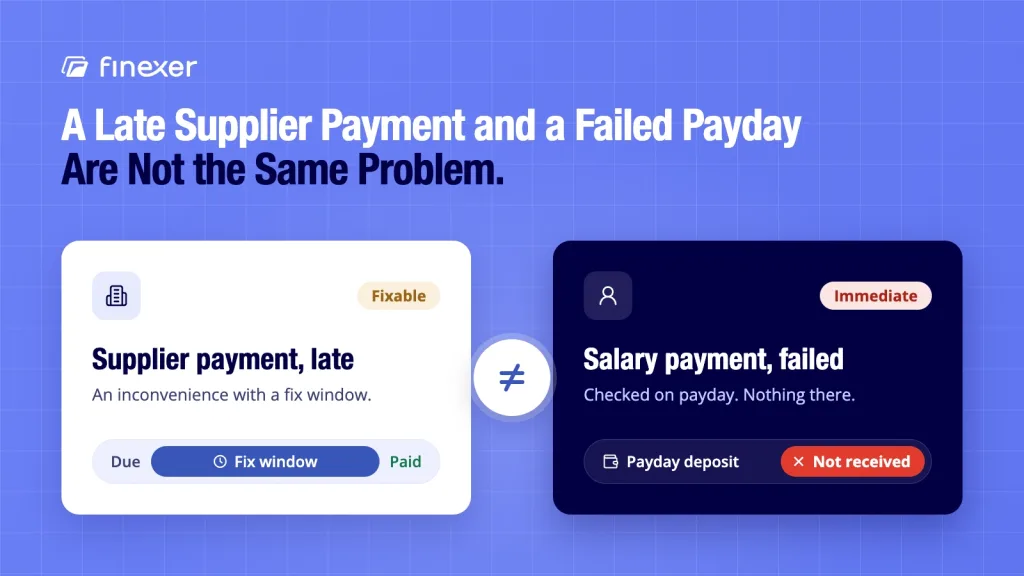
Bulk salary payments carry a different kind of risk than a supplier run. A late supplier payment is an inconvenience with a fix window. A failed payday payment is immediate and personal: an employee checking their account on payday and finding nothing there.
Three things matter more for bulk salary payments specifically:
- Cut-off timing. Payroll runs are date-locked. A missed submission cut-off doesn’t have a quiet workaround; it means staff are paid late.
- Beneficiary details accuracy. An error in one employee’s beneficiary details, in a run of hundreds, is easy to miss until the payment actually fails.
- Reconciliation against payroll records. Every bulk salary payment needs to tie back cleanly to the pay run it came from. Our guide to payroll reconciliation covers how that matching works in practice.
Business payments to suppliers can usually absorb a day’s delay. Bulk salary payments generally can’t, which is exactly why the route and the failure handling behind it matter more here than almost anywhere else in business payments.
What Goes Wrong With Business Bulk Payments in Practice?
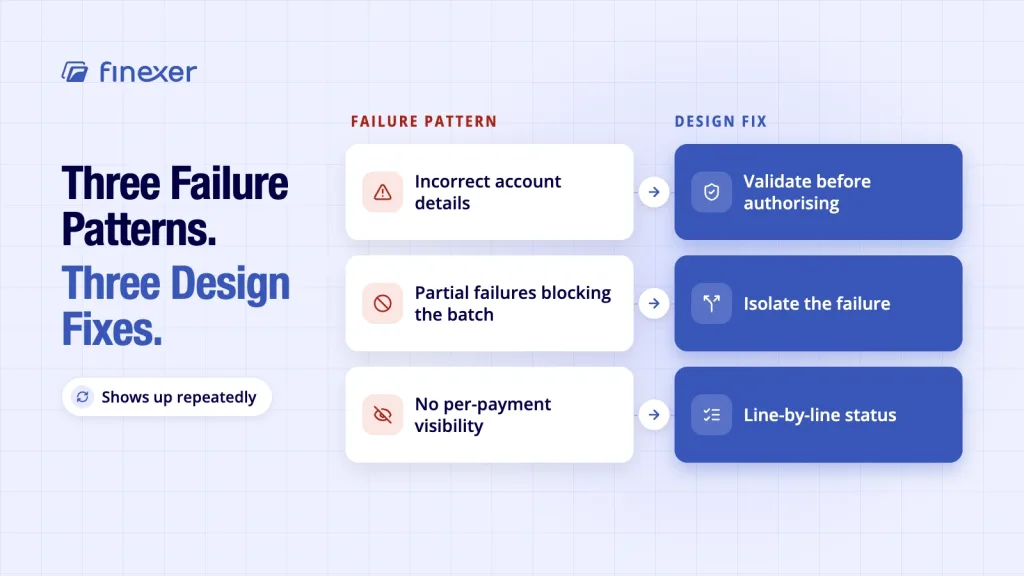
Three failure patterns show up repeatedly across business payments, and each has a design fix. Knowing what happens if a bulk payment fails in each case is the difference between catching it same-day and finding out a week later:
- Incorrect account details. A single wrong digit in beneficiary details sends a payment nowhere, or worse, to the wrong account. Validate account details before the run is authorised, not after a payment fails.
- Partial failures blocking the batch. A poorly designed run treats one failed payment as a reason to hold the rest. A well-designed one isolates the failure and lets everything else complete.
- No per-payment visibility. Without status on each individual payment, a failure inside a large batch can go unnoticed for days. A payment tracker giving line-by-line status is the practical fix, not a spreadsheet reconciled after the fact.
What Happens If a Bulk Payment Fails, and How Should Platforms Respond?
What happens if a bulk payment fails? In a well-built run, nothing else in the batch. That one payment reports a failed status, the rest complete normally, and the business gets a clear signal on exactly which recipient needs attention.
In a poorly built one, the whole payment batch can stall, or the failure disappears into a general “completed” status with no line-level detail. The difference is entirely in how the payment file and its status reporting were designed, not in the payment amount or recipient count.
Where Does Finexer Fit for Business Bulk Payments?
Finexer’s Payments product is built for exactly this operator problem: running business bulk payments where a single failure shouldn’t hide inside a batch or block the rest of the run.
| Capability | Detail |
|---|---|
| Run authorisation | One approval covers the full payment batch |
| Settlement | Instant via Faster Payments |
| Status reporting | Per-payment webhook status as each one completes |
| Failure handling | Isolated per payment, rest of the run continues |
| Authorisation | FCA-authorised (FRN 925695) for AIS and PIS |
| Pricing | Transparent pricing, with no hidden charges |
To be clear about the boundary: Finexer is the payment layer, not a payroll system. It does not run payroll or calculate PAYE. What it does is move the money once your figures are set, with status on every payment as it happens.
For the operator-side view of executing a run day to day, our guide to bulk payout covers that companion ground. Real-time initiation for business bulk payments is available through Finexer’s payments API.
Bottom Line
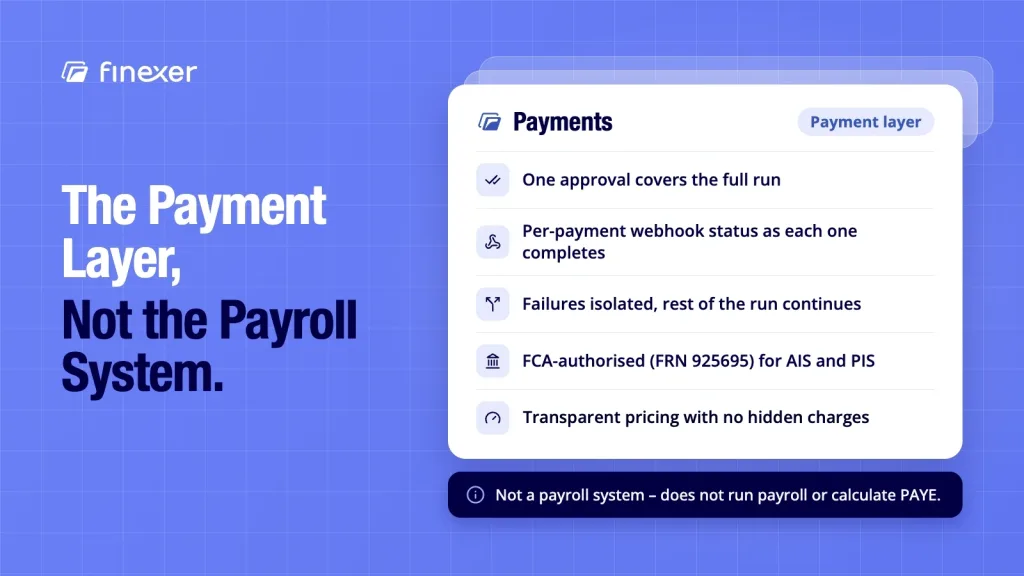
Business bulk payments work best when the run is designed around failure, not just success: per-payment status, isolated failures, and validated beneficiary details before authorisation.
BACS or Faster Payments for bulk payments comes down to urgency: BACS suits scheduled, predictable runs, while Faster Payments and Open Banking initiated runs suit same-day certainty, which matters most for bulk salary payments specifically, where a failure is immediate and personal rather than a minor delay.
Finexer’s Payments product supports multi-recipient runs with per-payment webhook status, so nothing hides inside a batch, without running payroll or calculating PAYE itself.
What are business bulk payments?
Business bulk payments are multiple payments to different recipients, prepared and authorised together in one run instead of individually. Each payment keeps its own amount, account details and status, so problems with one line don’t affect the rest of the batch.
How does a bulk payment run work end to end?
A recipient list and payment file are prepared, the run is authorised once, payments execute through the chosen route, and each one reports its own status back. The strength of the run depends heavily on that last step: whether failures are visible per payment or hidden inside the batch.
Is BACS or Faster Payments better for bulk payments?
It depends on urgency. BACS suits scheduled, predictable business payments on an established multi-day cycle. Faster Payments and Open Banking initiated runs suit cases needing same-day certainty, which is most of the reason bulk salary payments increasingly move away from BACS-only setups.
What happens if one payment in a bulk salary run fails?
In a well-designed system, that one payment is flagged individually and the rest of the run completes normally. The business gets immediate visibility on which employee wasn’t paid, rather than discovering it through a complaint days later.
Does Finexer run payroll or calculate PAYE?
No. Finexer is the payment layer beneath payroll and business payments generally, not a payroll system. It moves money and reports status once amounts are calculated elsewhere; it doesn’t calculate wages, deductions or PAYE.
Multi-recipient payment runs with per-payment status, instant settlement via Faster Payments, and no failure hidden inside the batch.
Explore with AI
About the Author

Ravi Ranjan
Ravi Ranjan is Co founder & CEO of Finexer