The Layer Under Payroll.
Execute the pay run and reconcile it back to the bank.
Payroll software can calculate the right amount.
Then payday arrives, and the money still has to move.
A system can handle PAYE, National Insurance, pensions, RTI submissions and payslips while payment and bank reconciliation sit elsewhere.
TL;DR: The best payroll processing software depends on who runs payroll and how many employers sit behind it. Accountants need bureau controls, client visibility and batch processing. Small businesses usually need payroll, pensions and HMRC reporting without paying for features they will not use.
This comparison uses public product and HMRC documentation. Finexer is not payroll software. It does not calculate PAYE, National Insurance or pensions, file RTI or produce payslips. Its role is payment execution and banking data underneath payroll.
“Payroll is not finished when the payslip is produced. The money still has to move, and the books still have to agree with the bank.”
1. BrightPay: Strong Bureau Fit
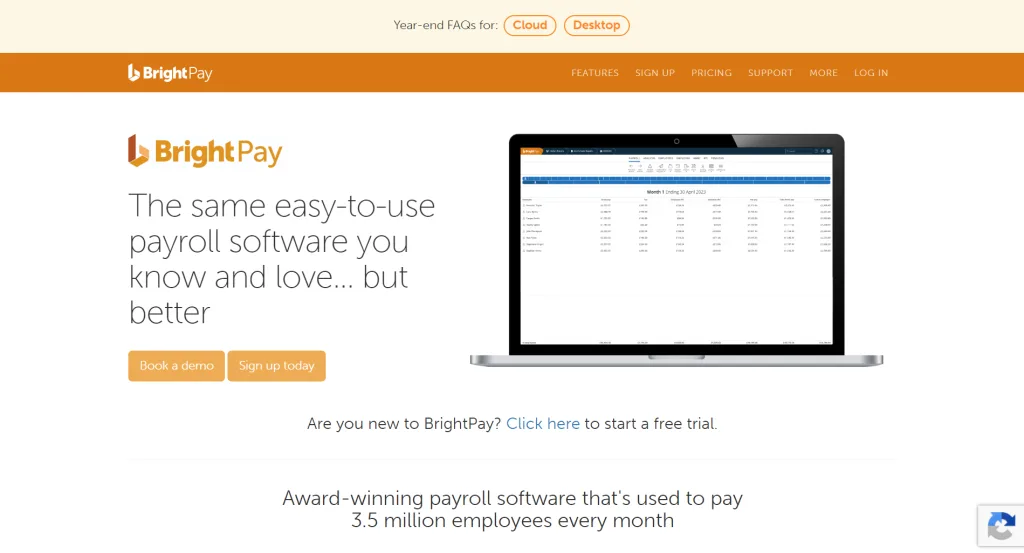
BrightPay suits firms running payroll for multiple clients. Its bureau offering supports multiple employers, batch processing, client access, auto enrolment, CIS and accounting integrations. It is HMRC-recognised.
Its published pricing uses bureau tiers by employer count, while the provider is moving customers towards its cloud product. Pricing changes, so check the current quote.
Best fit: accounting firms, bookkeepers and payroll bureaus managing several employer schemes.
2. Sage Payroll: A Familiar Accounting Choice
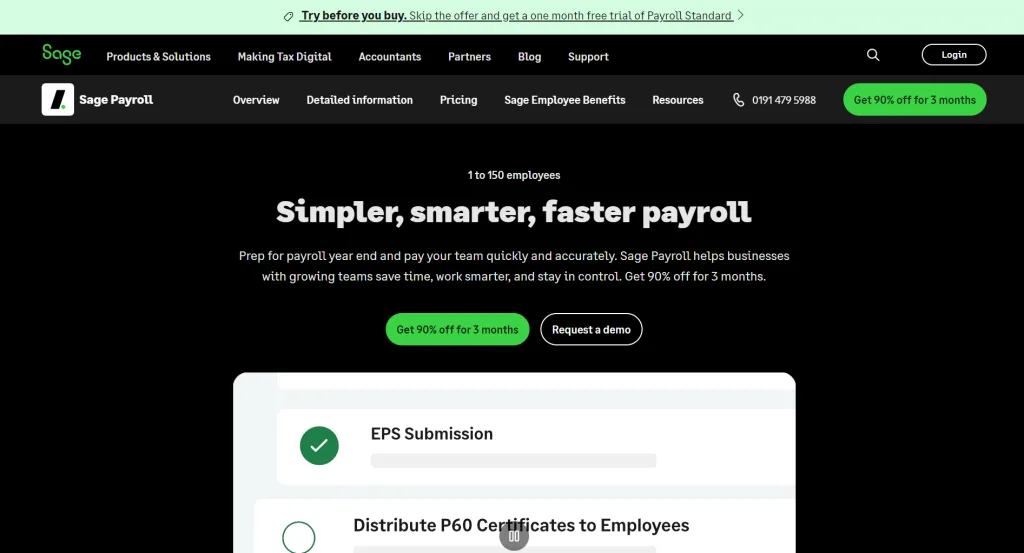
Sage suits businesses wanting payroll close to an established accounting workflow. Its UK payroll product is HMRC-recognised. Current published Payroll Essentials pricing starts at £12 plus VAT for five employees, with higher tiers from £23 and £34 plus VAT.
Pricing changes, so check the current quote.
Best fit: small and medium employers, and practices already invested in Sage.
3. Xero Payroll: Strong for Xero-Centred Businesses
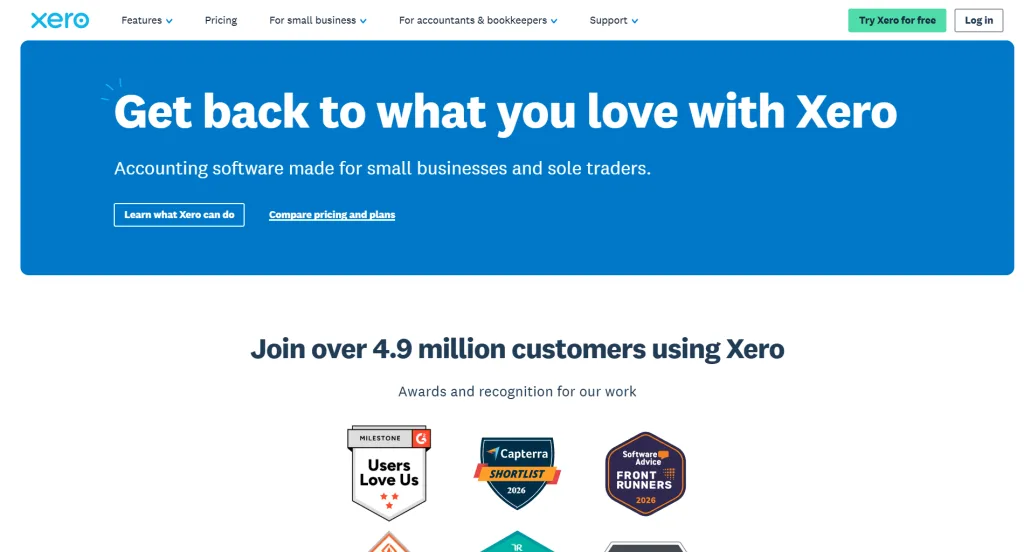
Xero Payroll fits businesses already using Xero. It includes pay calculations, PAYE reporting, multiple pay frequencies, statutory leave, workplace pensions and employee self-service. Xero states that its payroll software is HMRC-recognised.
Payroll is an add-on, with per-person charges varying by plan. The wider Xero subscription also affects total cost.
Best fit: small businesses and accountants whose clients already use Xero.
4. QuickBooks Payroll: A Good Small-Business Route
QuickBooks Payroll targets small and medium-sized businesses, with HMRC recognition, calculations, RTI submissions, payslips and pension handling. Core, Premium and Elite add different workforce features.
For payroll processing software for small businesses, the attraction is the connection between payroll and accounting. Accountant plans also provide payroll reporting, pension features and employee portals.
Best fit: small businesses already using QuickBooks, plus practices supporting QuickBooks clients.
For finance teams comparing connected accounting costs, the quickbooks pricing uk discussion is also relevant when a client is deciding between accounting platforms and payroll add-ons.
5. IRIS Staffology: Built With Bureau Work in Mind
IRIS offers Staffology Payroll and Staffology Bureau. Its products are HMRC-recognised and support RTI and automatic enrolment. Staffology Bureau targets accountants and payroll bureaus with client management, cloud access and API-backed integrations.
Best fit: accountancy firms and payroll bureaus with larger or more varied client portfolios.
Which Payroll Software Should You Choose?
| Software | Bureau Capability | Pricing Model | Integrations | Suits |
|---|---|---|---|---|
| BrightPay | Strong, batch and multi-client | Employer-count tiers | Accounting packages | Bureaus and practices |
| Sage | Payroll with wider business products | Subscription by employee tier | Sage ecosystem and integrations | SMEs and Sage users |
| Xero | Connected accounting workflows | Xero plan plus payroll | Xero ecosystem | Xero-led businesses |
| QuickBooks | Accountant plans plus payroll | Subscription plus payroll option | QuickBooks ecosystem | Small firms and practices |
| IRIS Staffology | Strong bureau focus | Product/plan dependent | API and payroll ecosystem | Larger payroll operations |
HMRC itself says employers can choose from HMRC-recognised payroll software and does not recommend one product over another.
If You Are an Accountant
Payroll processing software for accountants needs to handle more than one employer.
Look for:
- Multi-client dashboards and client segmentation.
- Payroll run and RTI submission visibility.
- Batch processing across client schemes.
- Client approval and employee self-service.
- Accounting integrations and a bank feed for the finance workflow.
A payroll system can produce accurate journals, but the practice still has to connect payroll payments with bank activity. That is where payroll reconciliation becomes important.
If You Are a Small Business
Payroll processing software for small businesses has a different priority list.
Most buyers need:
- PAYE and RTI handling.
- Pension and auto-enrolment support.
- Payslips.
- A sensible employee limit and price.
- Accounting integration.
Do not pay for bureau functionality if you only run one payroll scheme. Check the cost of payroll add-ons, extra employees, accounting software and payment services.
The Gap Most Comparisons Miss: Payment
Payroll processing software calculates what each employee should receive.
It does not answer the next operational question: how does the approved money reach employees, and how does finance prove it did?
That is the payment step in payroll processing.
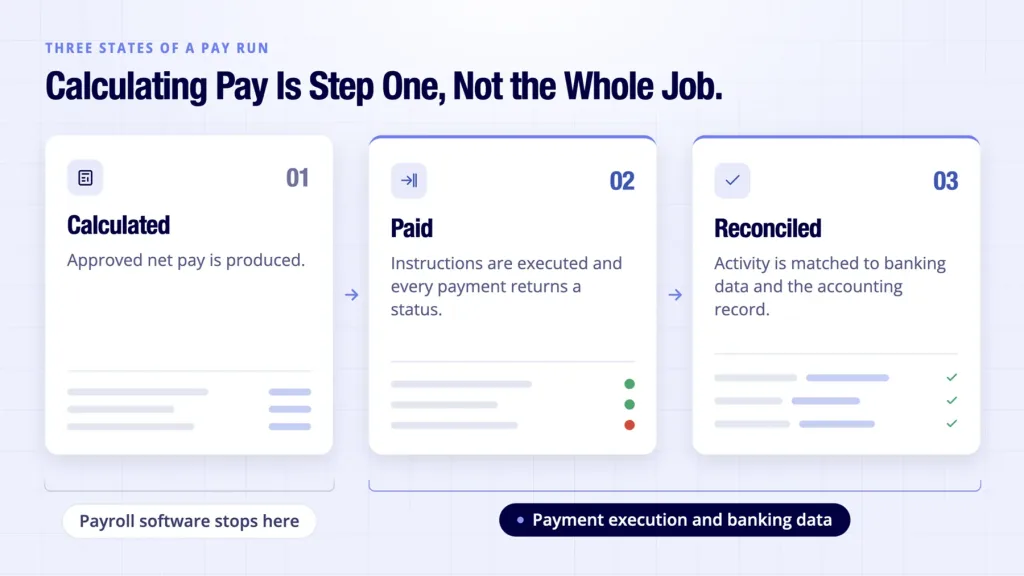
A payroll run can involve three states:
Calculated: approved net pay is produced.
Paid: payment instructions are executed and individual payments receive a status.
Reconciled: payment activity is matched against banking data and the accounting record.
When these states sit in disconnected systems, teams can spend time checking failed payments and matching bank entries manually. The burden grows for practices handling many client runs.
Where Finexer Fits
Finexer is not payroll processing software.
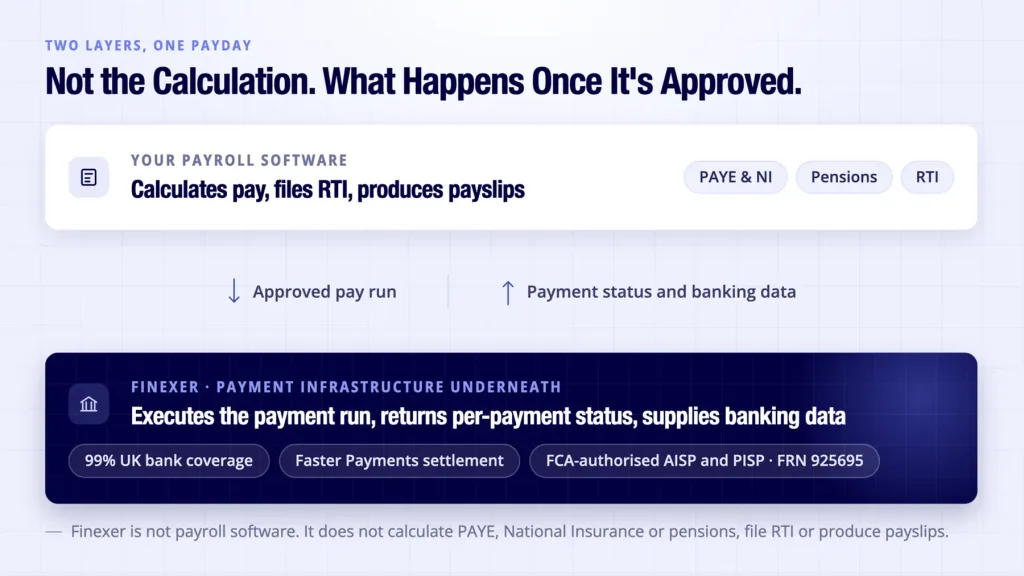
It does not calculate salaries or deductions, file RTI, produce payslips or manage workplace pension calculations.
Finexer sits underneath the payroll application as payment infrastructure. Its Payments product can execute a payroll payment run and return individual payment status. Payments initiated through Finexer settle via Faster Payments. Its Data product provides account, balance and transaction data for reconciliation.
The payroll application remains responsible for payroll calculation and HMRC reporting. Finexer handles payment execution and supplies banking data for the finance workflow.
Finexer’s payments API can sit alongside existing payroll software rather than replacing it.
Key points:
- Almost all UK bank coverage across high street, challenger and business accounts.
- FCA-authorised AISP and PISP, FRN 925695.
- Individual payment status.
- Account, balance and transaction data through Data.
Contact us for API pricing.
Two Practical Use Cases
Accounting and bookkeeping practices
Keep the chosen payroll processing software while adding payment status and banking data for reconciliation.
Payroll and invoicing platforms
Keep payroll calculation in the existing product and connect a payment API underneath it: payroll calculates, the payment layer executes and banking data supports reconciliation.
The Buying Checklist
Before choosing payroll processing software, ask the following questions:
- Is it HMRC-recognised?
- Does it fit one employer or a multi-client bureau?
- Does it handle your pension and payroll cases?
- Which accounting systems does it connect to?
- What is the full cost after add-ons?
- How are salary payments executed and failed payments surfaced?
- How will finance reconcile the run with the bank?
The Bottom Line
Choose payroll processing software for the payroll work it actually performs.
Then assess the payment layer separately.
For accountants, the distinction becomes important across multiple client schemes. For small businesses, it can determine whether payday ends with a clean bank record or another manual task.
Finexer does not replace your payroll system. It sits beneath it, executing payment runs and providing banking data that can support reconciliation.
Can payroll software pay employees directly?
Some products include payment functionality or connect to payment providers. Others produce payment files or instructions for a separate banking workflow. Check the exact capability.
Does HMRC provide payroll software?
HMRC provides a list of recognised payroll software and related guidance, but it does not recommend one commercial provider over another. The buyer still needs to assess features, cost and workflow fit.
What should a bureau check before switching?
Test client migration, payroll IDs, batch processing, permissions, RTI history, pension data, reporting and integrations. HMRC warns that payroll IDs may need attention when moving systems.
Is payroll software the same as payroll payment infrastructure?
No. Payroll software calculates pay and handles payroll reporting. Payment infrastructure executes the approved payments and can provide status information. Banking data can then support reconciliation between the payment activity and the bank.
See how Finexer executes payroll payment runs with per-payment status and reconciles them back against real-time banking data, alongside the payroll software you already use.
Explore with AI
About the Author

Ravi Ranjan
Ravi Ranjan is Co founder & CEO of Finexer